
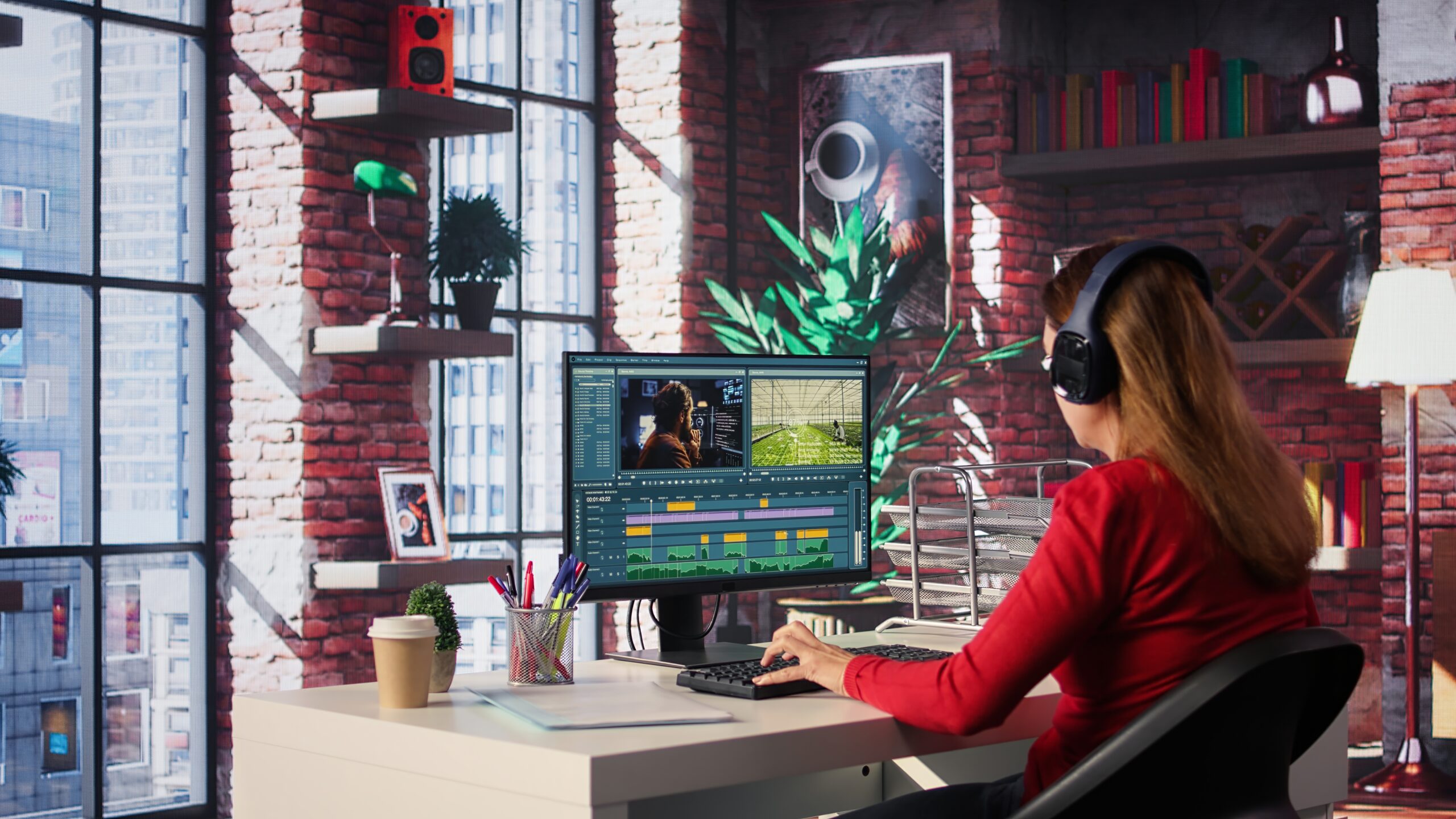
Final cut pro windows based video editing software is one of the topics that many creators search on a daily basis. There is a large number of Windows users who desire the speed and smooth working of Final Cut Pro on Windows computers. Nevertheless, Final cut Pro does not work with windows. It only works on macOS. Nevertheless, windows substitutes are powerful and provide the capability to be fast, feature-wise and successful.
Here, you will get to know the reality of Final Cut Pro on windows. You will also find the most appropriate substitutes. You will also get to know how to select the appropriate video editing software according to your needs.
Is it possible to use final cut pro video editing software on Windows?
The answer is simple, no Final Cut Pro is produced by Apple. It is thus not compatible with all operating systems.
Numerous sites state that it is possible to download cracked or modified versions of Windows. These versions are, however, not safe. They can be carrying viruses or malwares. They also are capable of damaging your computer.
There are users who attempt to install the MacOS in a virtual machine in Windows. Nevertheless, this is a slow and volatile approach. It also consumes very much power of the system. Hence, it does not form a viable solution.
Instead, one should seek Windows video editing programs that have comparable features.
Why Final Cut Pro Is So Crowded.
It is necessary to know what is the popularity of Final Cut Pro before deciding to select an alternative.
Here are the main reasons:
- Fast performance
- Magnetic timeline
- Clean and simple interface
- Visual color and light correction software.
- Smooth rendering
- Apple Hardware optimized.
Due to such properties, numerous developers desire Final Cut Pro video editing software in Windows. But the good news is that similar tools are available in a variety of windows editors.
Best Substitutes to Final Cut Pro Video Editing Software on Windows.
So, now I will take a look at the most appropriate alternatives. These programs are compatible with windows.
1. DaVinci Resolve is the best free professional option.
DaVinci Resolve is an example of one of the most influential video editing tools. It is consistent with Windows, Mac and Linux.
Key Features:
- Professional color grading
- Advanced editing tools
- Visual effects
- Audio editing
- Free version available
In addition, the free version is highly potent. It is used by a large number of YouTubers and filmmakers.
DaVinci Resolve is a superb option in case you wish to have a professional software just like Final Cut Pro video editing software on windows.
2. Adobe premiere Pro (Industry Standard)
The Adobe premier pro is popular in the film and media industry.
Key Features:
- Advanced timeline editing
- Close adoption of Adobe tools.
- Motion graphics support
- Regular updates
It however, involves a monthly subscription. Nonetheless, it provides mighty features and flexibility.
Premiere Pro is a good option in case you already use Photoshop or After Effects.
3. Filmora (Beginner Friendly)
Filmora is ideal in the beginner stage. It is simple and easy to use.
Key Features:
- Drag-and-drop editing
- Built-in templates
- Effects and transitions
- AI tools
Thus, Filmora is a decent place to start in case you are a beginner in video editing. It is not complicated compared to professional software.
4. HitFilm (Good for Effects)
Another Windows powerful editor is HitFilm. It is a combination of video editing and visual effects.
Key Features:
- Built-in VFX tools
- Good performance
- User-friendly interface
It is terrific among YouTube creators and players.
5. CapCut (Free and Trending) Desktop.
CapCut is gaining the attention of content creators.
Key Features:
- Simple interface
- AI auto captions
- Fast export
- Social media optimization
CapCut is also a good choice in case you produce short videos or reels.
What Are The Features to be considered?
Selecting an alternative to Final Cut Pro video editing software, which is available in a Windows application, pay attention to the following features:
1. Easy Timeline
With a seamless schedule, you will edit within a shorter time. There are magnetic timeline capabilities.
2. Fast Rendering
Select a software that has some GPU acceleration.
3. Color Grading Tools
Video quality is augmented through professional color correction.
4. Audio Editing
Sound editing is very critical.
5. Export Options
Ensure that it supports other formats including 4K.
Windows Video Editing System Requirement.
Video editing requires effective hardware. Thus, PC specifications should be checked.
Minimum Requirements:
- 8GB RAM
- Intel i5 or equivalent
- SSD storage
- Dedicated GPU
Recommended:
- 16GB RAM or more
- Intel i7 or Ryzen 7
- High-performance GPU
- Large SSD
In case your system is powerful, smooth editing performance will be obtained.
The Reason Why You Should Not Use Cracked Versions.
Final cut pro windows is software that many users search to find the cracked version of the software. However, this is risky.
Here’s why:
- Security threats
- Data theft
- System crashes
- No updates
- Legal issues
Rather, you can use free versions such as DaVinci Resolve. It is legal and safe.
Final Cut Pro vs Windows Alternatives
Let’s compare them clearly.
| Feature | Final Cut Pro | Windows Alternatives |
| Platform | Mac only | Windows supported |
| Price | One-time payment | Free & Subscription |
| Performance | Very fast on Mac | Fast with good PC |
| Color Grading | Excellent | Excellent (DaVinci) |
| Ease of Use | Simple | Depends on software |
You may see, Windows users are not disadvantaged.
Even more sophisticated color grading is provided by some of the tools such as DaVinci, in fact.
Will you Switch Final Cut Pro to Mac?
Other developers only consider purchasing a Mac because of Final Cut Pro.
But the questions to consider are:
- Do you currently have a powerful windows PC?
- Do you need Mac-only tools?
- Is your budget flexible?
In the event your Windows computer is powerful, there is no necessity to make the change. Windows are powerful and dependable editors nowadays.
Most Apposite to Various users.
Here is a simple guide:
- Beginners → Filmora or CapCut
- YouTubers → DaVinci Resolve or premiere pro.
- Professionals Filmmakers -DaVinci resolve or premier pro.
- Budget Users = DaVinci Resolve (Free Version)
That is why you should select according to your budget and level of skill.
How to Improve the performance of editing on Windows.
The most popular software should be optimized.
1. Use Proxy Files
The proxy files minimize system loading.
2. Close Background Apps
This improves speed.
3. Update GPU Drivers
New drivers enhance performance.
4. Use SSD Storage
SSD is much faster than HDD.
5. Increase RAM if Possible
Higher playback is provided by more RAM.
Top 10 Myths of Final Cut Pro video editing software on windows.
Let’s clear some confusion.
Myth 1: Final cut Pro has an official windows version.
This is false. Apple has not published any version of Windows.
Myth 2: Final Cut Pro is the Key to becoming a Professional.
This is not true. The Windows software is used by many professionals.
Myth 3: Final cut pro is slowing down windows editors.
Contemporary editors are speedy provided your PC is powerful.
Bright Future of Video Editing on Windows.
Each year, video editing software is getting better. AI tools are becoming common. Real-time editing is faster. The use of cloud collaboration is on the increase.
Thus, there are strong alternatives for Windows users. Actually the difference between Mac and windows editing is minimal.
The creators would be able to create high-quality content without Final Cut Pro in 2026.
Frequently Asked Questions
Does it have Final Cut Pro on Windows?
No. It is not compatible with other operating systems.
Which is the best alternative to Final Cut Pro on windows?
The best free alternative is DaVinci resolve. Premiere Pro is also strong.
Is it possible to run Final Cut Pro on Windows using an emulator?
It is not recommended. It is unstable and slow.
What software is the most user-friendly?
Filmora and CapCut are user friendly.
Conclusion
There is no official Final Cut Pro windows video editing software. There is no Windows version that Apple has launched. However, this is not a problem.
In the modern world, Windows users can have powerful substitutes. Professional tools are available in DaVinci Resolve, Adobe premiere Pro, filmora, and so on. They are even more flexible in certain instances.
Hence, rather than finding what downloads are unsafe, select a reliable windows editor. Focus on your skills. Practice regularly. Improve your workflow.
Ultimately, great editing requires creativity, and not software only.
